
How to Breed Villagers and Assign Jobs
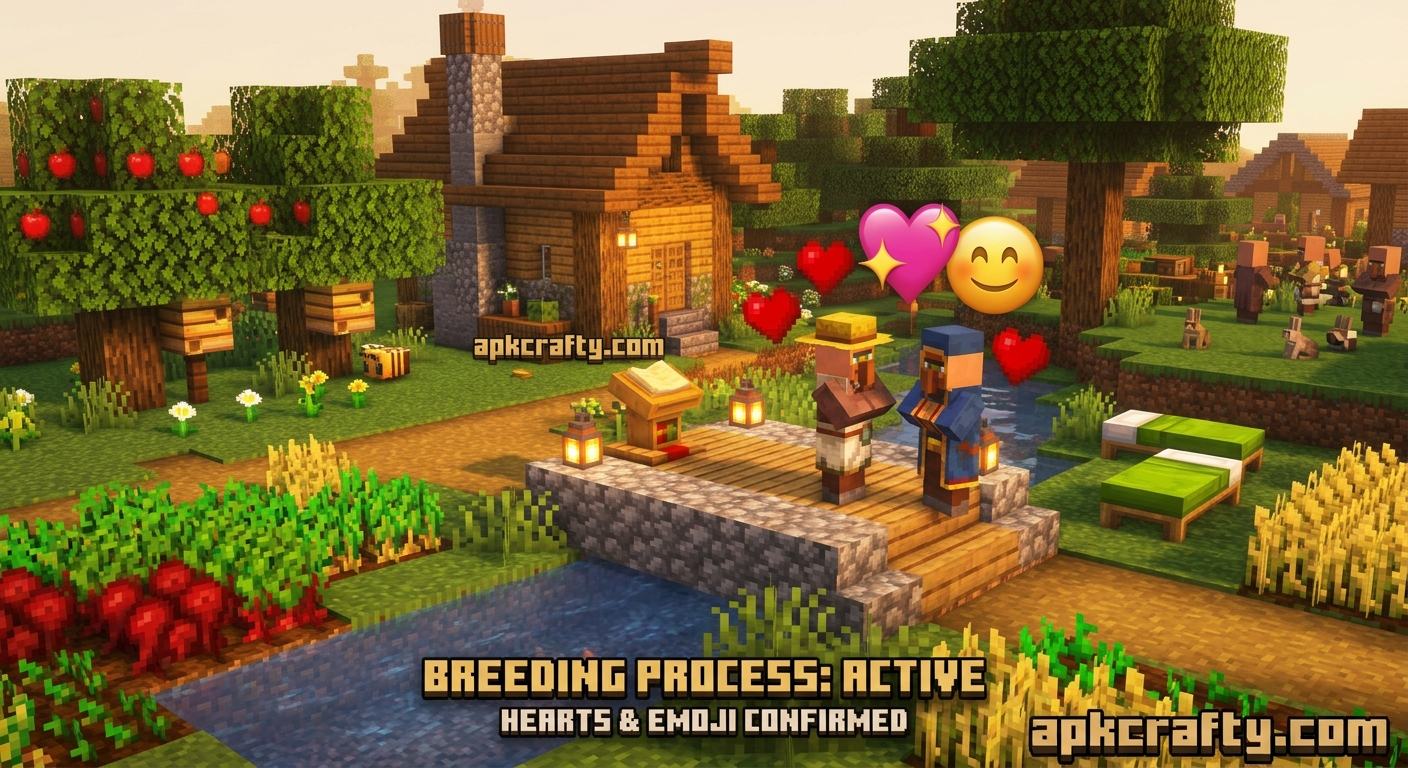
How to Breed Villagers and Assign Jobs in Minecraft
Establishing a prosperous villager breeder and trade hall system is one of the most rewarding things one can do in Minecraft.
Instead of wasting time mining ores and fishing for enchants, one can sell some common resources like sticks for better
rewards such as diamond armor, Mending books, and higher-level equipment. Villagers can be bred and customized
professions by meeting several requirements. The whole process takes place under the beds and workstations.
All the player has to do is prepare a sufficient amount of beds and food, and then they can create however many
villagers they want, with whichever jobs they desire.
◆ Items You Need Before Starting
Before building your villager breeder/trade center, be sure to have the following supplies:
▸ Beds:
Extra beds will be required to breed, as you will need to provide one bed for each participating adult, and an additional bed for every baby you wish to spawn.
▸ Food Crops:
6 Bread, 24 Carrots, 24 Potatoes, or 24 Beetroots (Per parent you want to get in a ‘willing’ state).
▸ Job Site Blocks:
Lecterns (Librarians), Composters (Farmers), Fletching Tables (Fletchers), or Blast Furnaces (Armorers). These will let your villagers learn specific trades.
▸ Building Blocks & Doors:
To make sure the villagers are safe from Zombies (and any other unwanted visitors like the occasional raiding group).
▸ Minecarts / Boats (optional):
To make getting your new villagers to your trade hall easier.
◆ Step-by-Step Villager Breeding Walkthrough
Breeding villagers requires that you create the right environment and feed them to get them in the mood to create a baby villager. Below are the steps to take when building your breeding building (You can also watch tutorial videos for this guide on https://www.youtube.com/):
Step 1: Secure the Breeding Area
▸ A breeding room is a chamber or an enclosed area with sufficient lighting to prevent hostile mobs such as Zombies from spawning. The enclosure should also be safe enough to prevent the baby villagers from escaping.
Step 2: Place the Required Beds
▸ Put down the number of beds you will need for your parent villagers and an additional bed for every baby villager you intend to breed. You have to ensure that the bed’s heads are at least two blocks vertically from the floor. The beds also need to be reachable by the villagers. If the villagers cannot reach the beds or jump on the beds, they will not be able to breed.
Step 3: Feed the Villagers
▸ To entice your villagers to breed, you need to throw food at them until their willingness bar is full. You can use any of the following items;
• Carrots x 12
• Potatoes x12
• Beetroots x 12
• Bread x3
Step 4: Wait for the Baby Villager to Spawn
▸ After you have thrown the items, you will notice red heart particles above their heads. This means you can now breed the two villagers. After a few seconds of the hearts appearing, you can find the baby villager in the additional bed you prepared. The baby villager will then take twenty minutes or a day in-game to mature into an adult villager.
◆ How to Assign and Change Villager Jobs
Once your villagers are adults, you can give them a profession to trade with by placing their job site block near an unemployed villager.
Assigning a Job
- Put a specific job site block near an unemployed villager
- Wait for green particles to appear over the block and the villager, indicating that they have successfully claimed the job.
- Now, open their trading menu to see what they are willing to sell
Below are the different profession blocks and jobs in the game:
▸ Lectern: Librarian ( Trades enchanted books e.g., Mending, Unbreaking, Efficiency)
▸ Fletching Table: Fletcher (Trades sticks for rapid emeralds)
▸ Composter: Farmer (Trades Wheat, Carrots, Potatoes, emeralds)
▸ Blast Furnace: Armorer (Trades diamond armor pieces)
▸ Grindstone: Weaponsmith (Trades diamonds, swords and axes)
▸ Smithing Table: Toolsmith (Trades diamond pickaxes and shovels)
How to Reroll and Lock Trades:
▸ To reroll trades, break and replace the job site block before trading with them. Their offered trades will reset instantly.
▸ To lock trades, just trade with them at least once. Their profession and trade offers become permanent and cannot be changed anymore.
◆ Pro Tips & Mistakes to Avoid
There are a few things to keep in mind when trying to breed villagers and assign their jobs correctly.
Watch out for “Nitwit” Villagers
Villagers wearing green robes are “Nitwits”. They can’t do any jobs, trades, or interact with any job site blocks. The only use for them is breeding and iron farms.
Make sure there’s enough headroom
If you see heart particles turning into gray storm clouds hovering over your villagers, you know it didn’t work. This typically happens when there aren’t enough beds for your villagers or if there’s less than two whole blocks of space above the beds.
Prevent zombie invasions
Always make sure to light up your breeding facility with torches or lanterns. (The light level needs to be at least 9.) If even a single zombie were to enter your breeding room, they would turn all your villagers into zombie villagers.
Lock essential trades
When you find a villager with a good trade (ex. a librarian selling an enchanted book of mending), you should trade with them at least once before leaving. If you don’t, they might lose their offer by the time you get back.
◆ Frequently Asked Questions
◆ Final Thoughts
Knowing how to breed villagers and assign their jobs correctly helps a lot in progressing through the game. With a breeding room and a trade hall, you will never be low on emeralds, diamonds, and enchanted equipment again! You can also discover other guides on https://apkcrafty.com/category/minecraft-apk-guide/.